Organize Your Pacemaker Follow-Up Records
Review date: 2026-08-28 · Credential: 110*********650
Abstract
Organize Your Pacemaker Follow-Up Records
Organize Your Pacemaker Follow-Up Records
Managing your records after pacemaker implantation isn't about memorizing every medical term. It's about making sure you, your family, and your medical team can quickly find accurate information when it's needed. This article offers a general method for organizing your records. For specific follow-up schedules, device check procedures, and how to handle abnormal situations, always refer to the official materials provided by the implanting hospital, the device follow-up team, and the device manufacturer.
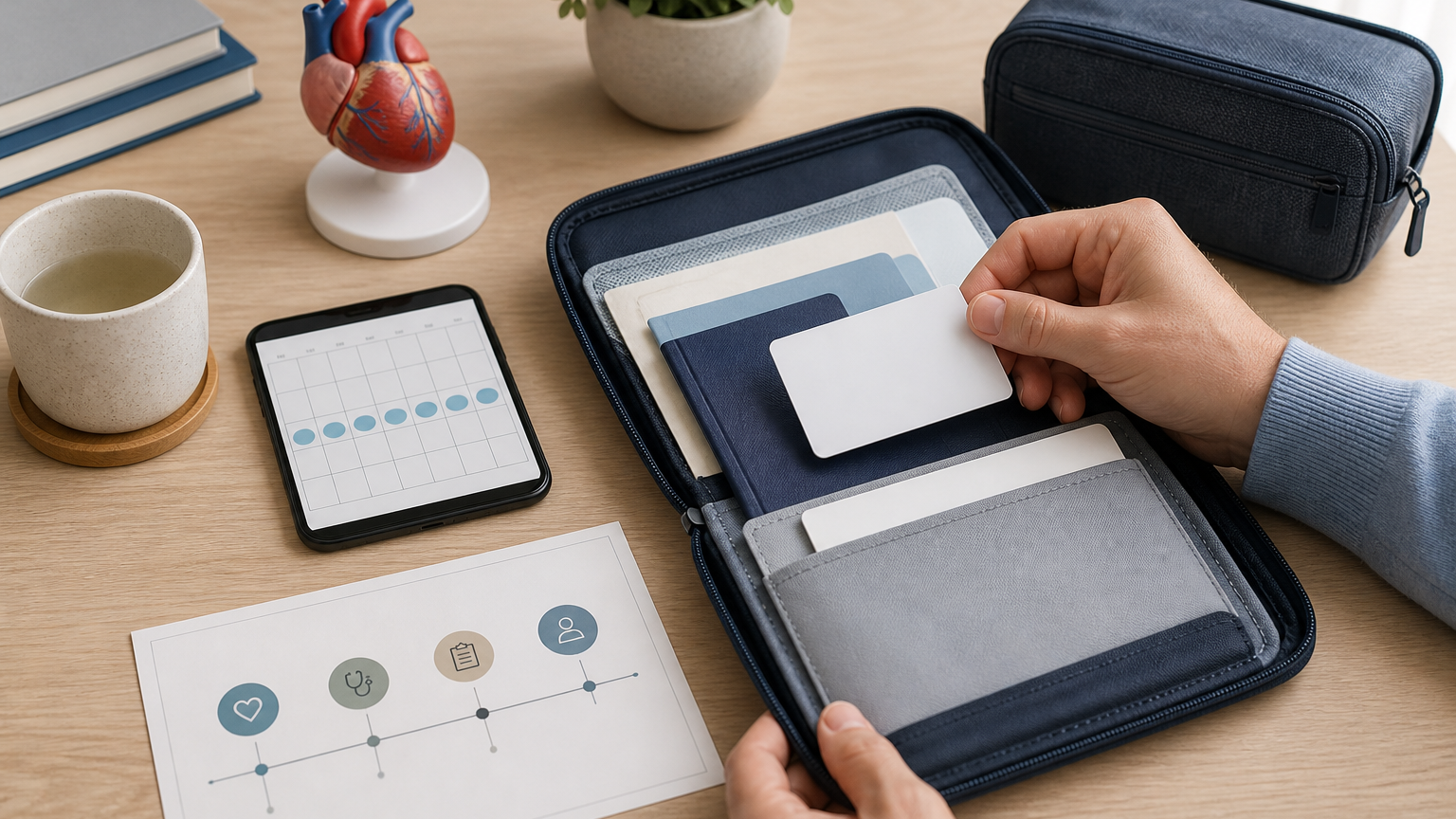
Caption: An illustration of paper and electronic filing for pacemaker follow-up records. This is not a basis for judging device status or making clinical decisions.
Start by gathering your device card and discharge documents
Begin by collecting what you already have. You don't need a complicated filing system at first. Prioritize organizing the following documents:
Pacemaker device card or implant identification card
Discharge records and surgery-related documents
Follow-up instructions from your medical team
Device check reports
Current medication list and allergy information
Contact information for your medical facility, follow-up department, and emergency contacts
Manuals and contact details related to remote follow-up devices
Keep paper originals in a folder with dividers. Carry your device card with you or store it securely as your medical team advises. You can scan or photograph important documents into clear digital copies, but digital copies cannot replace the official medical records kept by your healthcare facility.
If you lose your device card, discharge documents, or check reports, contact the hospital where you received the implant or the team managing your follow-up to verify how to get replacements. Do not fill in device model, serial number, or implant information from memory.
Create an information page for model, implant date, and medical team
Set up an information page at the front of your file for quick reference during appointments, travel, or emergencies. Only copy information that has been confirmed in official documents. Leave unverified items blank and mark them as "to be verified."
Suggested information to record:
Name and date of birth
Pacemaker manufacturer, model, and serial number
Implant date and implanting medical facility
Implanting physician or responsible department
Current follow-up facility and contact phone number
Next follow-up date
Whether you use a remote follow-up device
Emergency contact and phone number
Device name, model, and serial number can be easily confused. After entering them, check them one by one against your device card. Do not post complete images showing your name, date of birth, device serial number, or contact information on public social media.
How to record appointments and device check schedules
Create a follow-up checklist. For each appointment, at minimum record the date, location, responsible department, type of check, and materials you need to bring. Specific follow-up frequency and check items vary from person to person, so follow the schedule given by your medical team.
After each follow-up visit, you can add:
Actual visit date
Names of reports you received
Next steps from your medical team
Next appointment date
Any changes to contact information
Whether you need to update your device card, medication list, or remote follow-up settings
Don't rely only on your phone calendar. Use both a paper calendar and electronic reminders, and let a trusted family member know where your records are stored. If you miss an appointment or are unsure of your next check date, contact your follow-up team proactively to confirm. Do not guess new dates on your own.
What to prepare before traveling, going through security, or seeing other doctors
Before traveling or visiting another medical facility, prepare a small pack you can carry with you. Include your device card, recent device check reports, current medication list, allergy information, and your follow-up team's contact information.
Before undergoing any examination, procedure, or treatment, tell the relevant professionals that you have a pacemaker and show them your device information. Precautions can differ depending on the device and the medical procedure. Whether a certain examination or procedure is suitable should be determined by professionals who understand your device information.
When going through security at airports, stations, or other places, follow the guidance on your device card, your medical team, and on-site staff. Do not judge whether a certain security device is safe or dangerous based only on online experiences. Before traveling across regions or internationally, you may also check for medical facilities near your destination that can provide relevant support, and keep your follow-up team's valid contact information with you.
Use a timeline to organize symptoms and device follow-up events
Create a separate timeline page. Record important events related to your pacemaker follow-up by date. Keep records as objective as possible. Do not interpret on your own whether symptoms were caused by the device.
Each entry can include:
Date and approximate time
Activity you were doing at the time
Specific physical symptoms and how long they lasted
Whether you contacted your medical team or emergency services
What tests you had
What official reports or instructions you received
Follow-up arrangements
Avoid writing only "felt unwell" or "device problem." A clearer record describes what happened, how long it lasted, whether it recurred, and what actions you took. This information can help medical staff understand the event, but it cannot replace testing, and you should not diagnose yourself based on it.
Who to contact for device alerts or physical symptoms
Write the contact order on the front page of your file in advance, using the real phone numbers provided by your medical team. Typically, you should keep separate numbers for routine follow-up calls, after-hours contact, device manufacturer support, and local emergency services. The device manufacturer can help with product information or technical support, but cannot replace a doctor's evaluation of your symptoms.
If your remote follow-up device or its system shows an alert, follow the process provided by your follow-up team and the device manual. Do not repeatedly operate the device, ignore persistent alerts, or judge whether your pacemaker is normal based solely on the alert content.
If you have severe or rapidly worsening physical symptoms, do not wait for a routine appointment or online answers. If you have chest pain, significant breathing difficulty, fainting, altered consciousness, or other concerning acute symptoms, contact local emergency services or seek professional medical help immediately. Even if symptoms later subside, tell medical staff what happened. Specific emergency handling should be based on the judgment of local medical professionals.
Consumer device readings cannot verify pacemaker status
Data recorded by watches, wristbands, home blood pressure monitors, or phone apps can be supplementary information for your timeline, but they cannot replace formal pacemaker checks. They also cannot independently confirm pacemaker settings, lead condition, battery status, or whether the device is malfunctioning.
Heart rate readings or alerts from consumer devices are not the same as what professional device checks focus on. A normal reading cannot rule out problems, and a single abnormal reading cannot prove pacemaker malfunction. Do not adjust medications, change follow-up appointments, or stop required follow-ups based on consumer device results.
If readings are repeatedly abnormal or accompanied by noticeable discomfort, save the time, screenshots, and symptoms, and contact your medical team. Whether further evaluation is needed should be decided by professionals based on official records and test results.
Create both paper and electronic device files today
Start with a simple version:
Find your device card, discharge documents, and the most recent device check report.
Create a paper folder and sort documents by date.
Scan or photograph clear copies and store them in a password-protected electronic folder.
Create a one-page device and medical team information sheet.
Set a reminder for your next follow-up, and add an extra reminder ahead of time.
Tell a trusted family member where your records are and your emergency contact information.
Update both paper and electronic files after each follow-up visit.
Use clear, consistent file names for electronic documents, such as date, document type, and medical facility. Regularly check that files can be opened, and set access permissions according to your privacy needs. Before sending medical records or your device card through instant messaging, confirm the recipient and necessity.
A practical pacemaker file should have clear sources, accurate dates, valid contact information, and be continuously updated. It can improve information availability during appointments and communication, but it cannot replace professional follow-up, device checks, or emergency evaluation. Any questions about your individual device status, follow-up frequency, test suitability, or symptom management should be confirmed with your follow-up medical team.