Heart Rhythm Alerts: What to Save and Do Next
Review date: 2026-11-07 · Credential: 110*********564
Abstract
Heart Rhythm Alerts: What to Save and Do Next
Heart Rhythm Alerts: What to Save and Do Next
When your watch sends a heart rhythm alert, first check how you feel, then save the alert and any related records. Device notifications can provide clues for an evaluation, but a single notification cannot establish a diagnosis, and a normal reading afterward does not mean you should ignore symptoms.
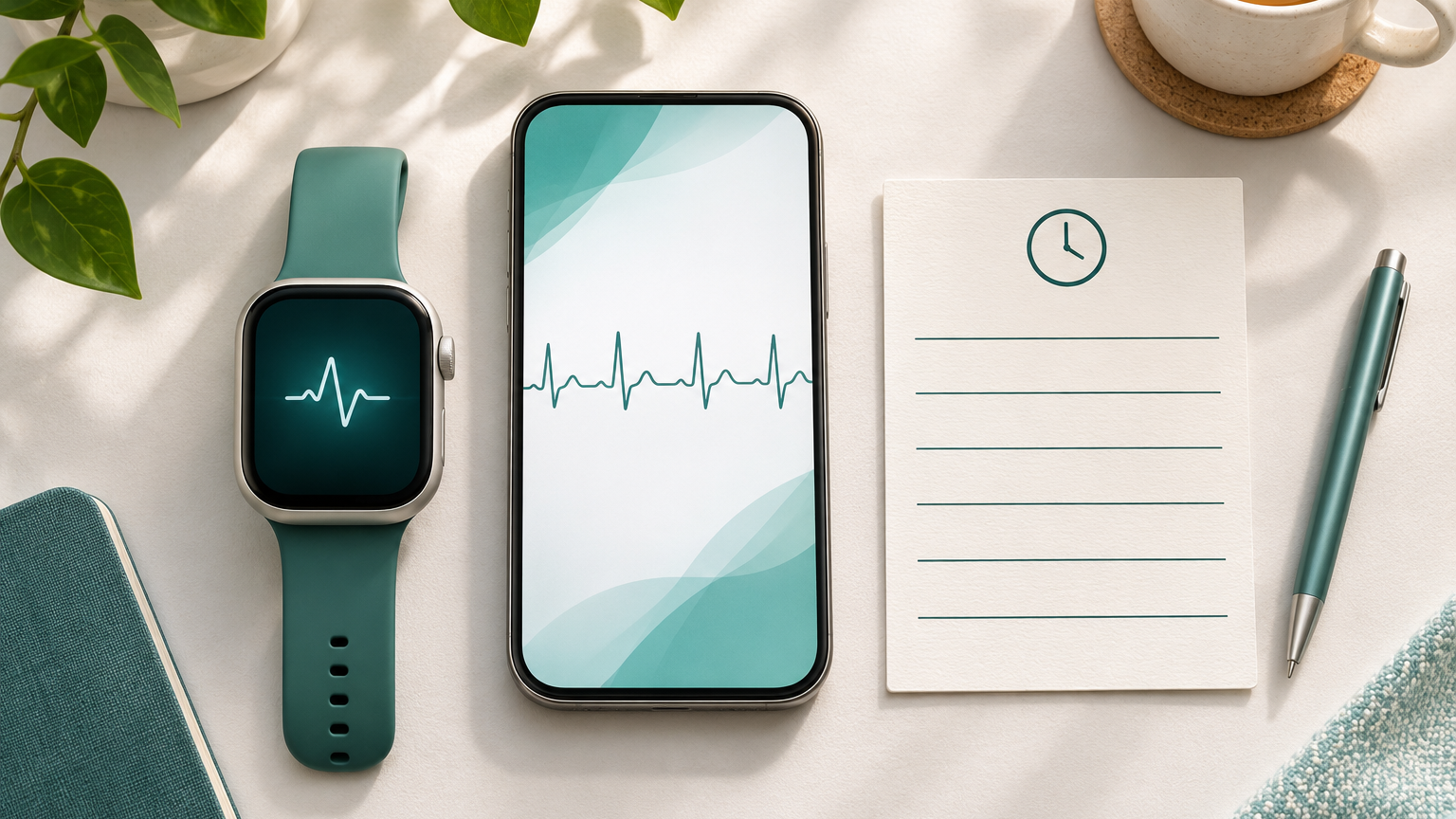
This image illustrates the topic and should not be used to interpret an ECG or make a clinical diagnosis.
Check how you feel first
If palpitations occur along with chest pain, trouble breathing, feeling faint, or fainting, contact local emergency services immediately. In mainland China, call 120. Do not delay getting help to take screenshots, export files, or take another reading, and do not drive yourself to get medical care. Even if these symptoms have stopped, contact a healthcare professional promptly to arrange an urgent evaluation. NHS guidance on seeking care for heart palpitations
If you have no noticeable symptoms, stop what you are doing, sit somewhere safe, read the full notification, and save the information. Contact a doctor if alerts keep recurring or palpitations persist or worsen. If you have a history of heart disease, make sure to mention it. A watch alone cannot establish a safe waiting period that applies to everyone.
Distinguish heart rate alerts, rhythm notifications, and exportable records
Features and terminology vary by device. When organizing your information, first identify what type of information you are seeing:
Heart rate alert: This usually means the measured heart rate met a setting or detection criterion. It concerns how fast or slow the heart is beating and cannot directly identify a specific arrhythmia.
Rhythm notification: This means an algorithm detected an irregular pattern. Some features flag rhythms that may be consistent with atrial fibrillation and need further evaluation by a healthcare professional.
ECG recording: Devices with an electrocardiogram feature may save a waveform and an automated classification. The waveform and notification text provide different information, so keep both whenever possible.
For example, heart rate notifications and irregular rhythm notifications are separate Apple Watch features. Its irregular rhythm notifications do not continuously check for atrial fibrillation. For other brands, refer to their own instructions for detection methods, conditions of use, and alert criteria rather than assuming the same rules apply. Apple information on heart health notifications
Save the original records and the time of the alert
The goal of organizing your information is to help your doctor see what the device actually recorded at the time. Consider creating a dedicated folder and saving the following by date:
A complete screenshot of the notification, including its exact wording, date, and time, rather than just the word "abnormal."
Any original report the device can export, preserving the full waveform, automated classification, and recording duration whenever possible.
A brief timeline that distinguishes when you saw the notification, the time shown on the recording, and approximately when any symptoms started and stopped.
The device brand, model, and feature name. You can also include the app version if it is easy to find.
If your device supports PDF export, keep the original file and prepare a copy that is easy to open. For example, Apple's ECG app allows you to export a PDF from an individual ECG recording in the Health app. The steps may change with the software version, so follow the interface on your device. Apple instructions for saving and sharing ECG recordings
Do not crop out part of the waveform, change the result text, or save only the screenshot you consider the most concerning. If you have only a notification and no ECG waveform, say so. Incomplete records should not be a reason to postpone care. Share reports through channels approved by your healthcare facility, and avoid posting reports containing personal information on public platforms.
Add context about your activity and symptoms, and avoid repeated readings that increase anxiety
Instead of simply writing "my watch sent an alert," add a brief account with details that can be checked:
Whether you were resting, sleeping, walking, or exercising, and whether the alert occurred during or after the activity.
Whether you noticed pounding or noticeable heartbeats, chest discomfort, shortness of breath, dizziness, or other sensations. Also note if you had no symptoms.
Approximately how long the symptoms lasted and whether they have happened repeatedly recently. If you cannot remember clearly, label the details "approximate" or "uncertain."
Your sleep, coffee intake, and alcohol intake that day, along with any medications or supplements you take and recent medication changes.
These details provide context. They do not establish that a particular activity, drink, or medication caused the alert. Do not deliberately exercise, drink alcohol, or skip medication to reproduce an alert and test your theory.
If the device reports poor recording quality, check its fit and the recording conditions according to the instructions when you feel stable. Do not keep taking readings to get a "normal" result, and do not delete earlier abnormal notifications. Once you have records to save, focus on contacting a healthcare professional and discuss how often to record readings during your evaluation.
What consumer device alerts can and cannot tell you
Device recordings can offer clues about a particular period of time. How those clues can be interpreted depends on the feature's intended use, the recording quality, and the clinical circumstances at the time.
For example, Apple's ECG feature produces a recording similar to a single-lead ECG, which differs from the 12-lead ECG commonly used in healthcare facilities. A result showing sinus rhythm describes only that recording. An "inconclusive" result does not mean a serious condition has been diagnosed. It may reflect recording conditions or something the device cannot identify, and it needs to be assessed in the context of the actual recording. Apple information on ECG features and limitations
The absence of a watch alert does not guarantee that there is no heart rhythm problem. These features also cannot rule out a heart attack. If you develop warning symptoms such as chest pain, do not wait for the device to alert you before seeking help. Apple information on heart health notifications
Products may have restrictions related to age, previous diagnoses, implanted devices, and regional availability. Before using a feature, check whether it is intended for someone in your situation. Do not start, stop, or adjust heart medications on your own based on watch results. A doctor needs to assess medication choices and risks in light of your condition.
Discussing whether you need further heart rhythm testing
At your appointment, begin with a few sentences explaining what happened when the alert appeared, whether you had symptoms, and whether it has happened repeatedly. Then show the original records. Also bring your heart health history, relevant test results, family history, and a complete medication list.
Depending on your symptoms and medical history, your doctor may arrange an ECG or consider having you wear a portable ECG recorder for a period of time. The type of test should depend on your circumstances. Not every watch alert requires the same testing plan. NHS information on ECG testing
You can use these questions to guide the discussion:
Is this recording clear enough to interpret? What can it tell us, and what remains uncertain?
Do I need a medical-grade ECG test? If so, what question should it answer?
If my symptoms do not happen every day, what recording method and monitoring duration would be appropriate?
While I wait for testing, what changes should prompt me to contact the doctor sooner, and when should I seek emergency help?
Who will interpret the results, when will I receive them, and what should I do if another alert appears?
If your doctor arranges portable monitoring, follow the specific device instructions for wearing it, activities, and recording information. When you pick up the device, confirm how to mark the times when symptoms occur, when to return it, and how to get your results.
Next steps: Create a checklist for moving from an alert to a medical evaluation
You can save a brief checklist on your phone:
Check how you feel first: Seek help immediately if palpitations occur with warning signs such as chest pain, trouble breathing, or fainting.
Identify the alert type: Note whether it is a heart rate notification, a rhythm notification, or an ECG report with a waveform.
Save the original information: Keep complete screenshots, exportable reports, and relevant times without changing the original results.
Write down what happened: Include activity, symptoms, duration, and medication context, and clearly label anything uncertain.
Contact a healthcare professional: Explain whether this is the first occurrence, whether it has happened repeatedly, and your medical history so a professional can determine the evaluation plan.
Clarify the follow-up plan: Confirm testing, how you will receive results, and what to do if symptoms happen again.
This article provides general health education. Device instructions explain the limits of their features and cannot replace a doctor's assessment of your individual records and condition. Bring whatever information you can save. You do not need to wait until you have collected everything before seeking care.
Frequently asked health questions
1. After someone with cerebrovascular disease leaves the hospital, how can family members organize a care and follow-up checklist on a heart health website?
Using the discharge records and the treating doctor's instructions, organize tasks on the heart health website into four categories: daily care, medication review, rehabilitation, and follow-up visits and tests. For each item, record what needs to be done and whom to contact. If instructions are unclear or conflict with one another, confirm them with the original care team. Also ask the team to explain when to seek emergency care and provide the local emergency number. A daily checklist cannot replace assessment of an acute situation.
2. How can someone with rheumatic heart disease who is planning a pregnancy prepare for an appointment using a heart health website?
Start by contacting your current cardiologist and asking the hospital you plan to visit about its process for preconception heart evaluations and coordination among specialists. Bring recent test reports, medical history records, and a complete medication list, and clearly state that you would like to become pregnant. Ask the doctor which additional tests are needed, how your medications should be reviewed, and what follow-up plan is appropriate. Whether pregnancy is advisable and when to pursue it require an individualized assessment. Do not stop medications on your own or rely uncritically on other people's experiences online.